Built for the 4th Agentic AI Hackathon with Google Cloud

Photos & ideas into buildable LEGO

Photo to LEGOBuild from your bricks

AI designs it, a physics engine proves it can be built. Upload a photo of your pet, a person, or anything — or build from the bricks you already own — and get interactive 3D, step-by-step instructions.

Photo to LEGO
Turn any image into a buildable model
Physics-checked
Validated as actually buildable
Interactive 3D
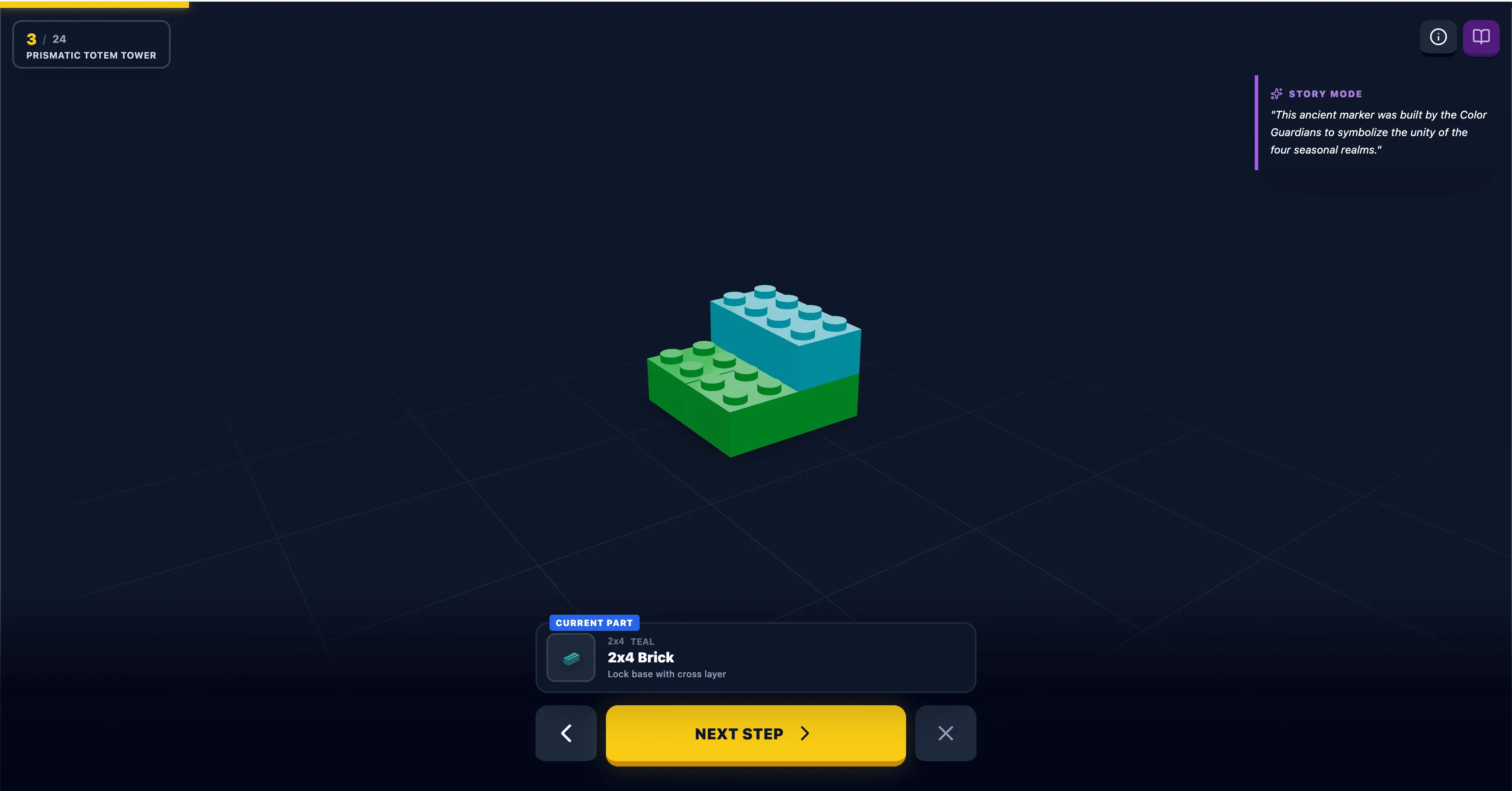
Step-by-step instructions in 3D
Brick Quest interactive 3D build instruction workspace

Step through every brick in an interactive 3D viewer before you build.

Why builders choose it

One flow for photos, your own bricks, and buildable instructions

Brick Quest connects designing from a photo with inventory-aware building, so every idea becomes a model you can actually make.

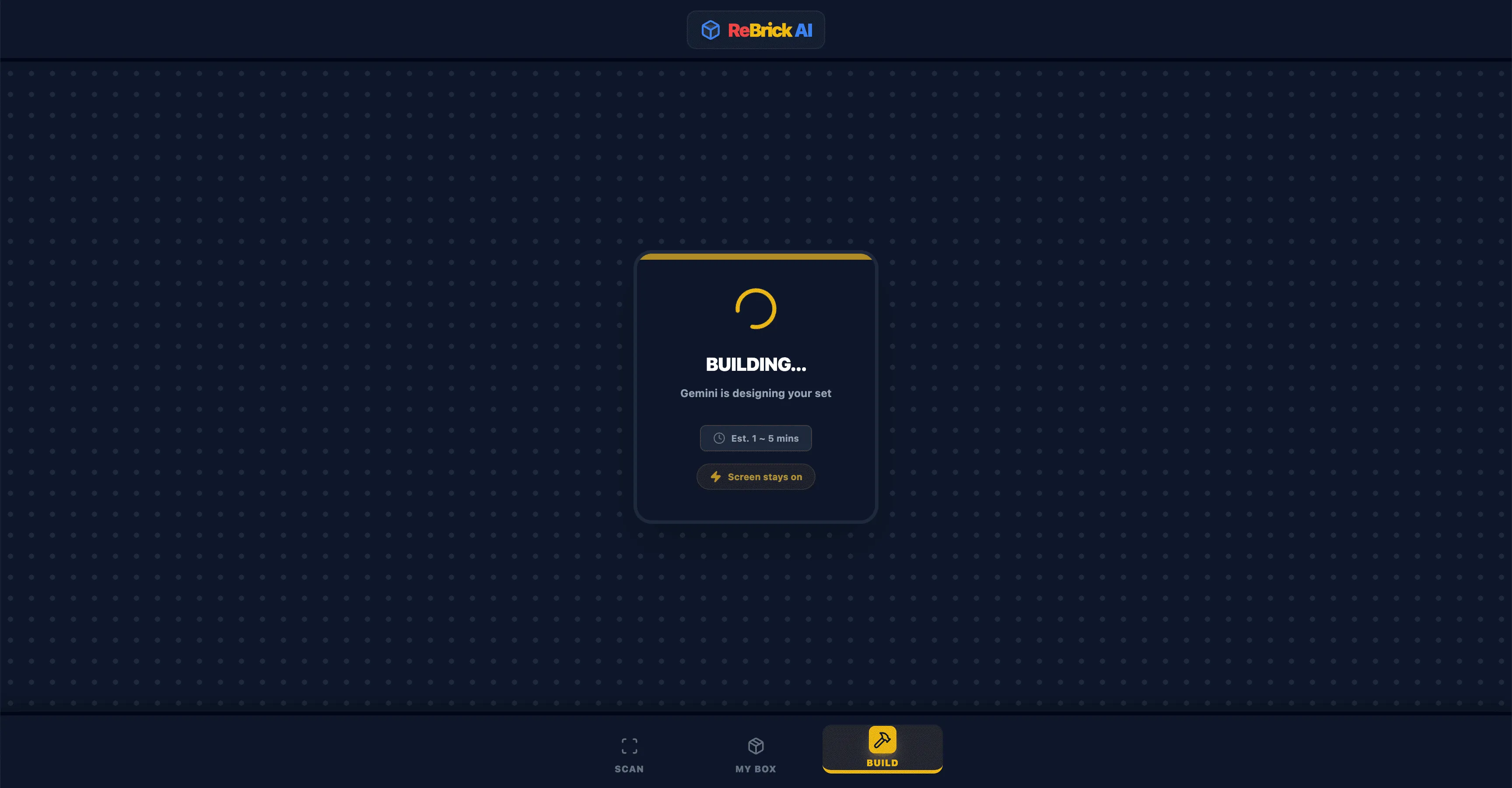
Generating a LEGO design from a photo

Turn photos into buildable designs

Upload a photo and the AI translates its shape, colors, and key details into a 3D LEGO model you can build.
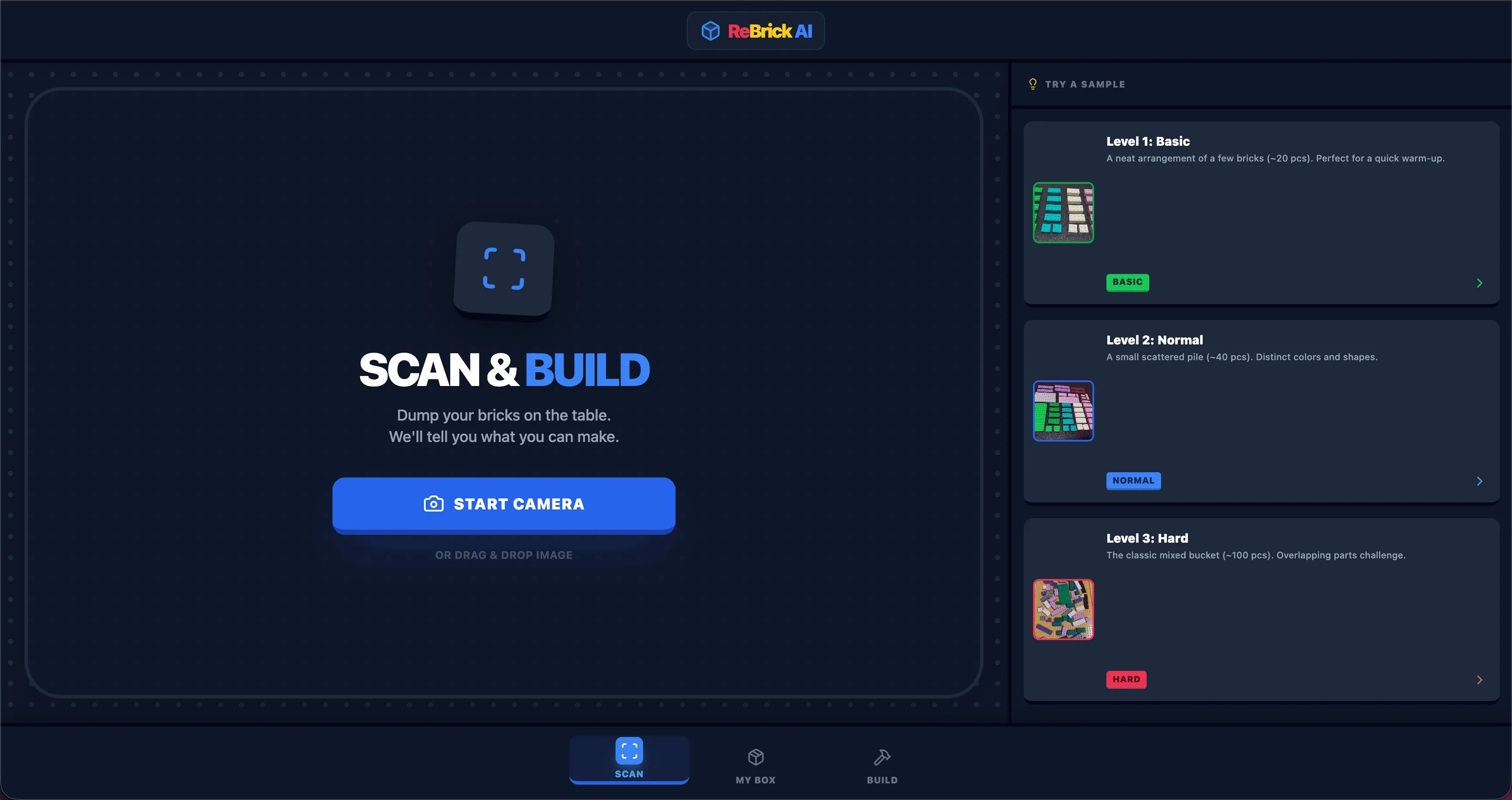
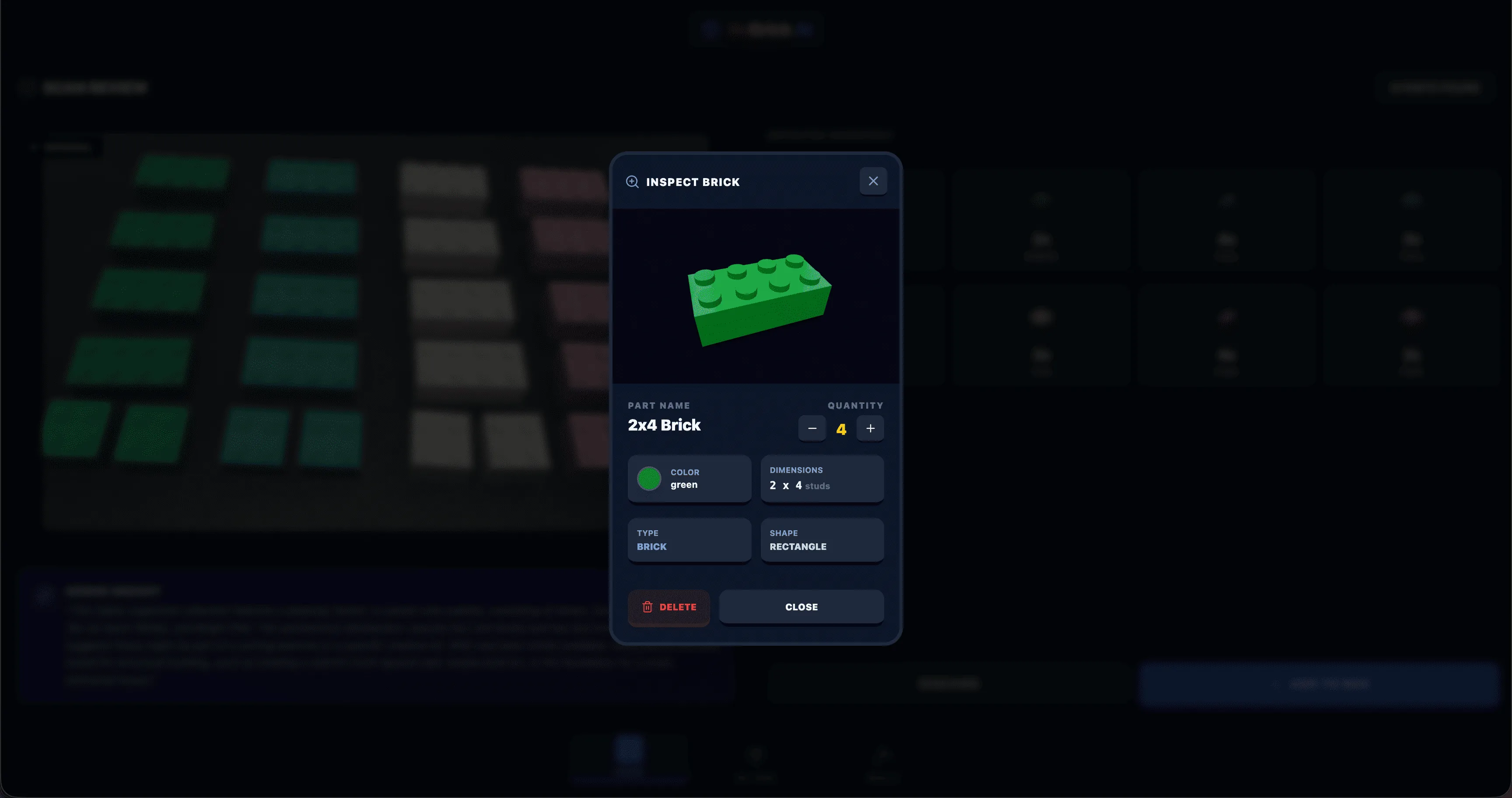
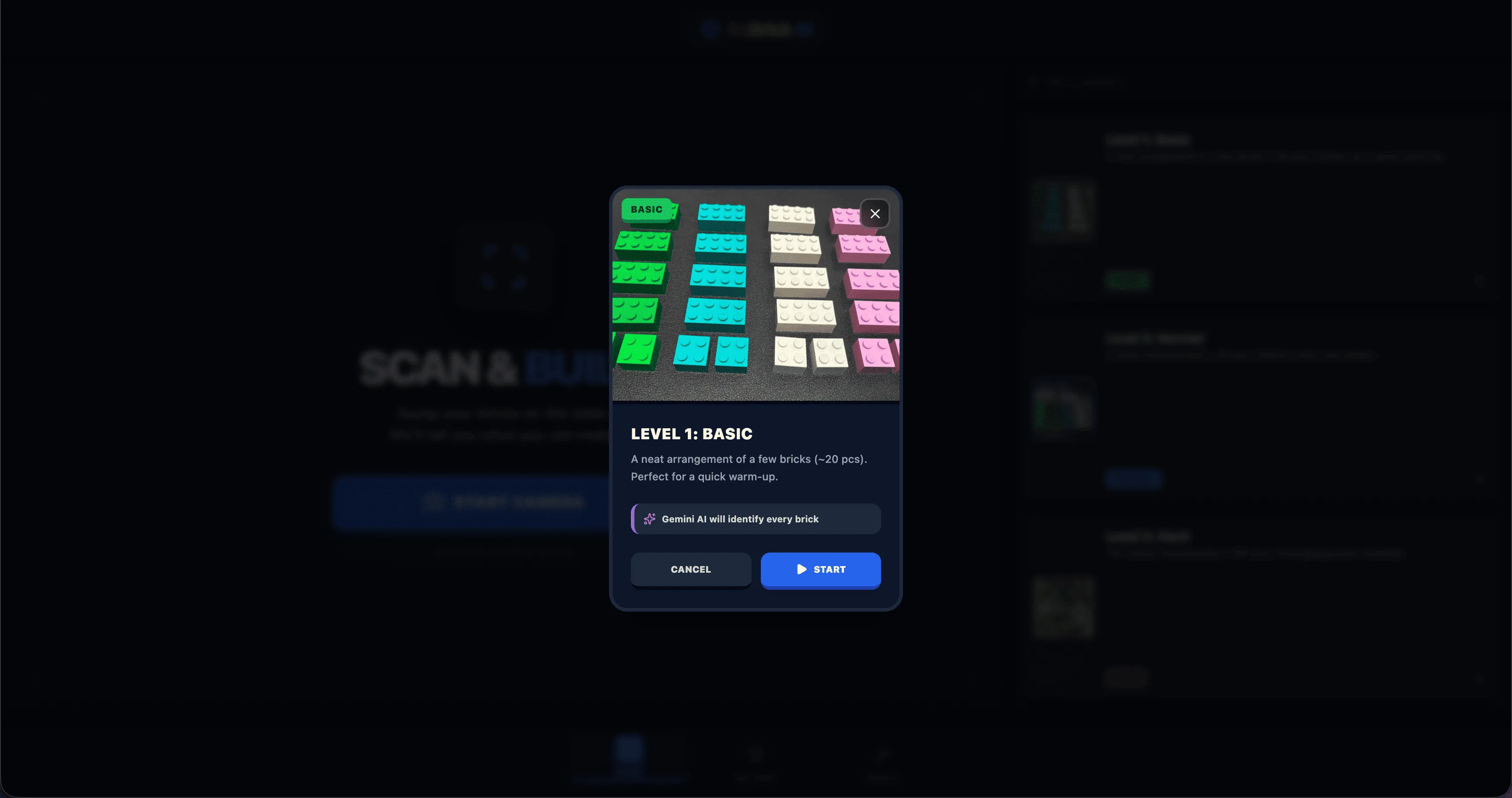
Inspecting scanned brick details

Make your brick pile useful

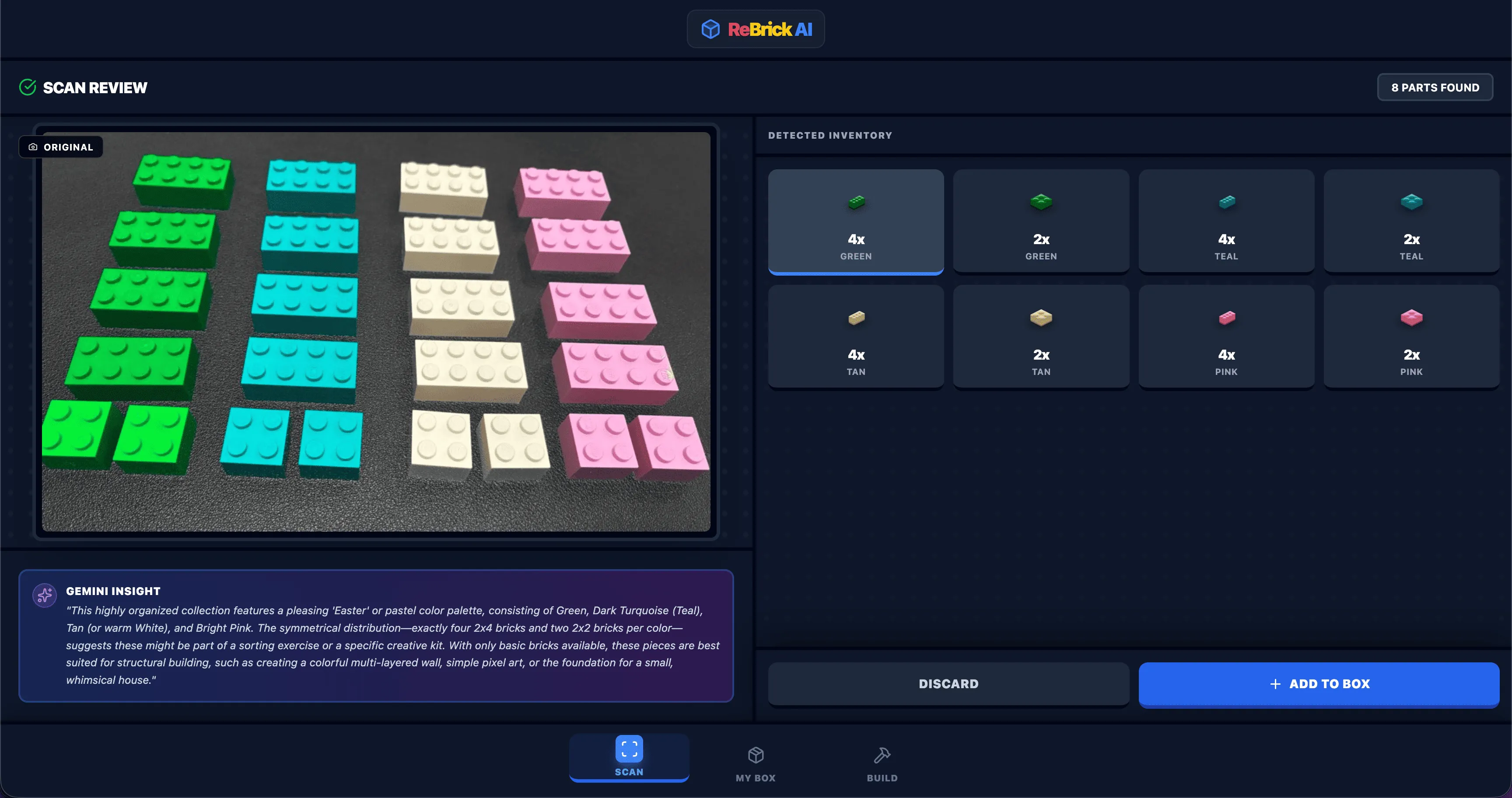
Scan loose bricks to organize color, shape, and size data, then build something from the pieces you already own.
Reviewing the required build parts

Know exactly what to order

Get an organized parts list for the missing pieces, ready for BrickLink ordering.

Use cases

What will you build?

Turn a photo into a keepsake, bring an original MOC to life, or build something new from the bricks you already have.

Gifts & keepsakes

Turn a photo of a pet, a loved one, or a special moment into a LEGO model you can build and keep.

MOC ideas for AFOLs

Bring original creations to life — design from an image and get a buildable, physics-checked plan.

Build from your own bricks

Scan what you have and let the AI design something you can build with the parts on hand.

Follow 3D instructions

Move beyond a flat preview with interactive, step-by-step 3D guidance you can build along with.

Photo to LEGO

Turn Any Photo into Buildable LEGO

Upload a photo of anything — a pet, a person, a landmark — and the AI designs a custom 3D LEGO model, self-correcting until it works, with full step-by-step instructions.

  • Works with any photo — no bricks required to start
  • An agentic AI generates, validates, and retries until the build holds together
  • Get a complete BrickLink parts list to order every piece
Upload Photo
AI Designs & Validates
3D Instructions + Parts List
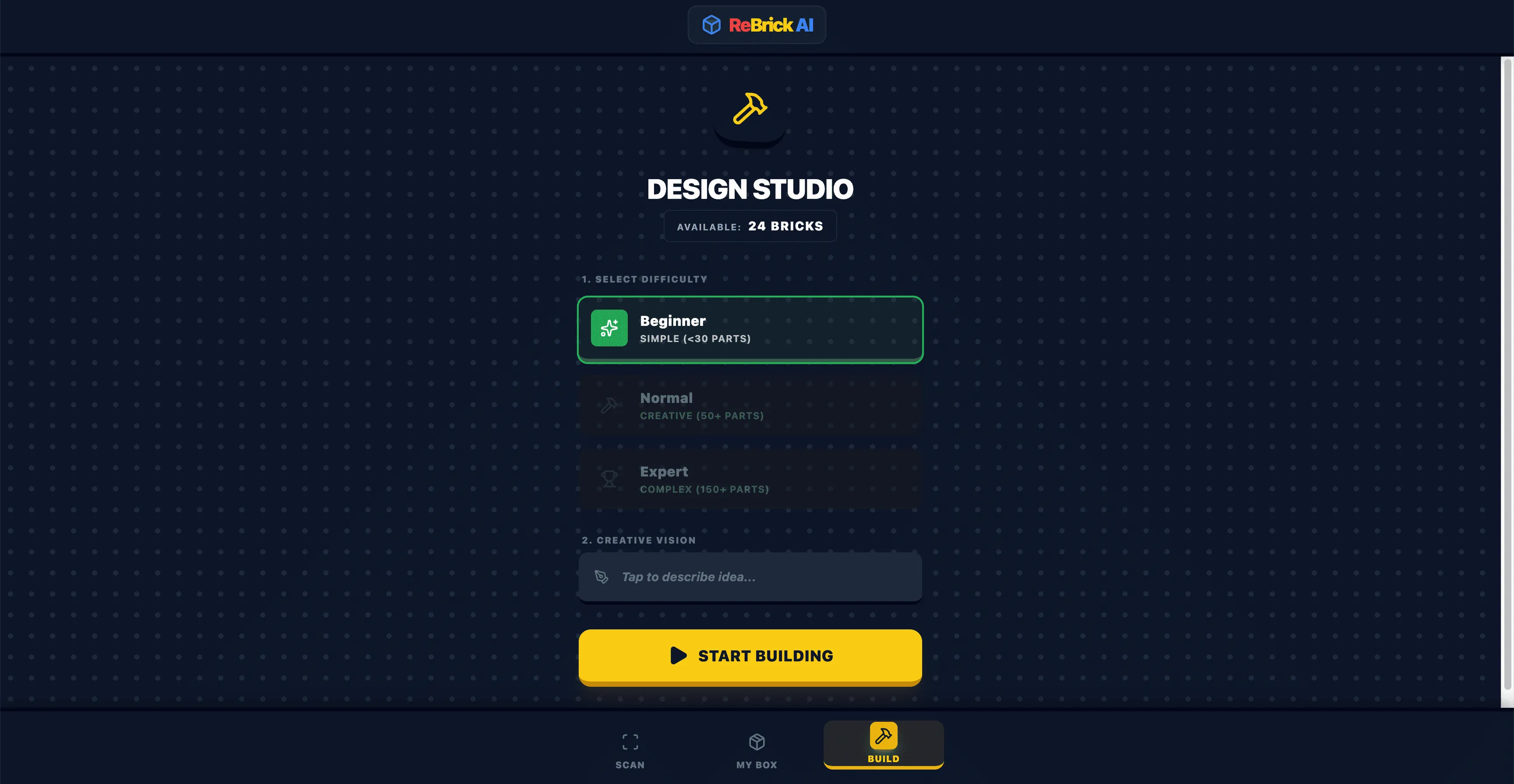
Build from your bricks

Your Bricks, Infinite Possibilities

Already have a pile of bricks? Scan them into an inventory, and let the AI design a model you can build with exactly what you own.

  • 1

    Scan

    Photograph your loose bricks

  • 2

    Review

    AI identifies every piece

  • 3

    Collect

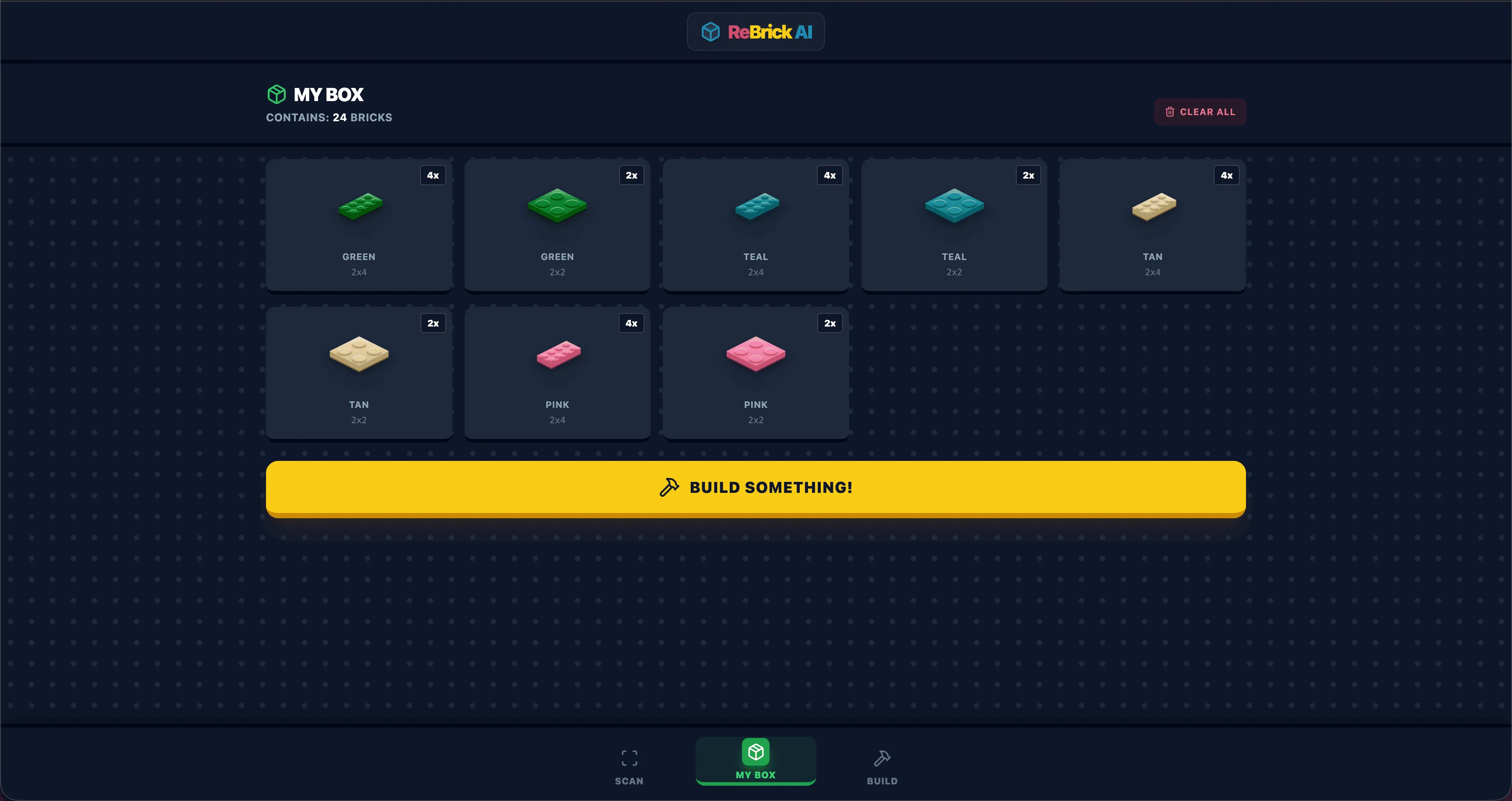
    Build your digital inventory

  • 4

    Build

    Get custom 3D instructions

Scan review
Inspect brick
My box inventory
Build instructions
Process

How It Works

Transform any image into buildable LEGO instructions — no bricks needed to start, just a photo and your imagination.

  • 1

    Upload

    Choose any photo as your reference

  • 2

    AI Designs

    An agentic AI generates and self-corrects the build

  • 3

    Physics Validates

    The physics engine confirms it's buildable

  • 4

    Build in 3D

    Follow the interactive 3D instructions

Create mode workspace
What makes it work

Everything you need to build for real

Agentic AI Design

Turns a photo into a 3D LEGO model, then validates and retries on its own until the build actually holds together.
Agentic AI Design

Interactive 3D Viewer

Step through the build brick by brick in real-time 3D — rotate, zoom, and never lose your place.

Interactive 3D Viewer

Physics Engine

A custom LEGO physics engine checks stability, connections, and assembly order so every model is buildable.

Physics Engine

BrickLink Parts List

Get a complete, auto-generated parts list. One click to order every brick you're missing.

BrickLink Parts List

Common Questions

What is Photo to LEGO mode?
Upload any photo and the AI designs a buildable 3D LEGO model. It self-corrects until the build holds together, then gives you full 3D step-by-step instructions and a BrickLink parts list so you can order every piece.
What is the BrickLink parts list?
Once your design is generated, we provide an itemized list of every LEGO piece needed. You can use this list to order parts directly from BrickLink or other brick marketplaces.
How does it make sure a model is actually buildable?
Every model runs through a custom LEGO physics engine that checks stability, brick connections, and assembly order. If a build is unstable, the AI regenerates it until it holds together.
Does it work with non-LEGO brands?
Yes. The AI can identify most standard brick types regardless of the brand when scanning your collection.
How does the design flow work?
Upload a photo and the AI generates orthographic LEGO views for you to approve. Once approved, it creates full 3D build instructions. You can regenerate views if you want a different interpretation.
Can I save my digital inventory?
Absolutely. Your brick collection is saved to your profile so you can build anytime.
Get started

Ready to build the impossible?

Upload a photo or scan your bricks, and let the AI design a build you can actually make.